Project overview
I created an interactive 2D Chillet model in Unity using custom vector and matrix maths for movement, rotation, and scaling, with position-based colour changes, mouse controls, mesh inspection, and independent tail-wag and head-bob animations.
- UnityScene rendering and interaction
- C#Custom vector, matrix, mesh, and animation code
- Visual StudioDevelopment environment
- Git / GitHubVersion control




Supporting detail
The video and image carousel show how custom maths, mesh construction, and input work together in the scene, alongside selected exercises from Workshops 2 to 5.
These details explain the assignment constraints and the additional mesh and animation work behind it.
Assignment brief
Implementing the maths behind the movement.
The assignment required a 2D object made from more than 30 triangles and custom vector and matrix-based transformation functions in Unity and C#.
Movement, rotation, and scaling had to use those functions rather than Unity's built-in transformation methods.
Further tasks introduced two moving objects, position-dependent colour and scale, draggable boundaries, speed controls, and a mesh-inspection mode for checking triangle orientation.
My implementation
From custom maths to an interactive model.
- 01
Using custom vector and matrix classes, I connected the underlying linear algebra to the model's movement, rotation, and scaling.
- 02
I built the Chillet model with subdivided meshes, going beyond the brief with a mesh setup that allowed overlapping vertices.
- 03
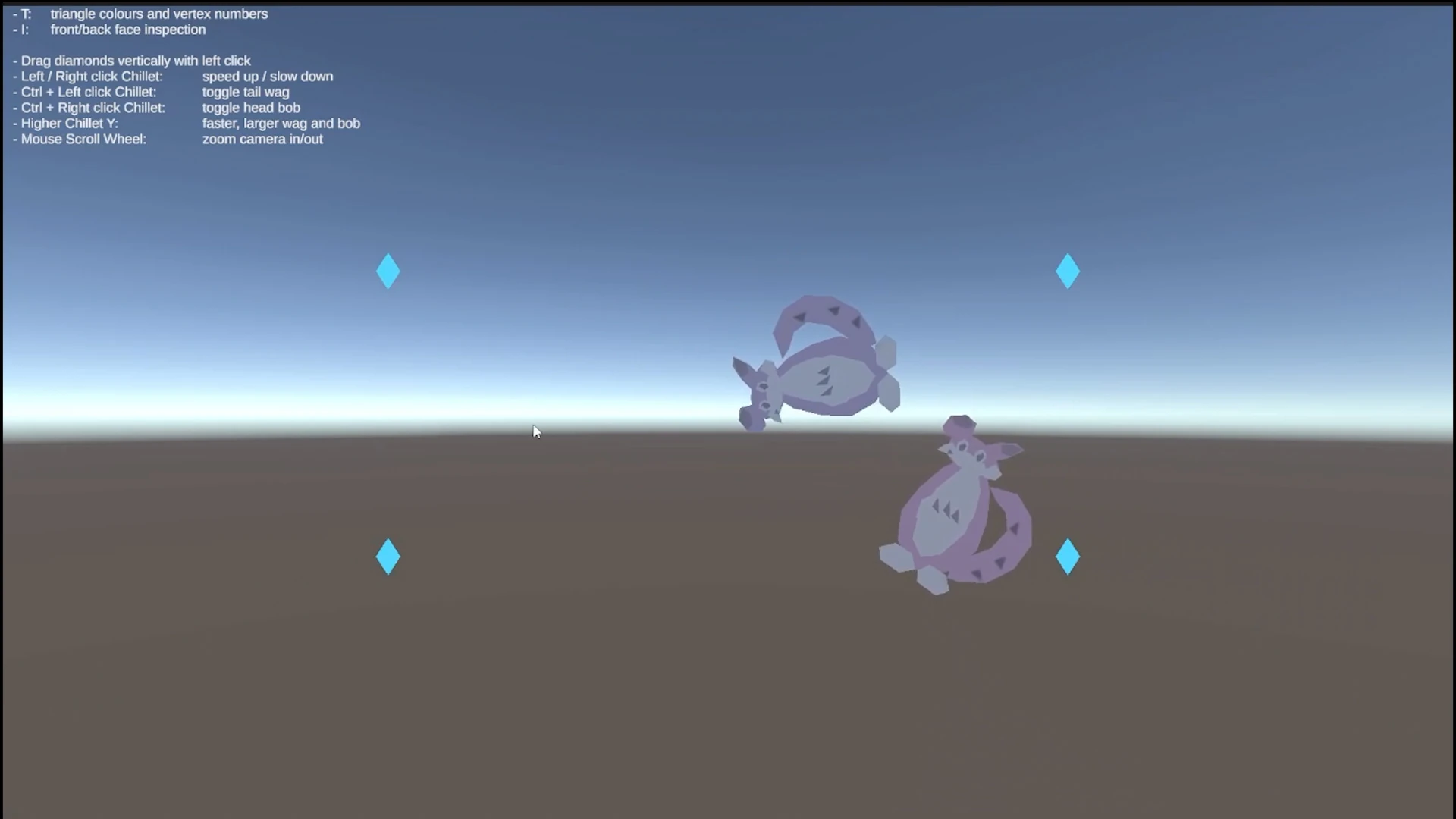
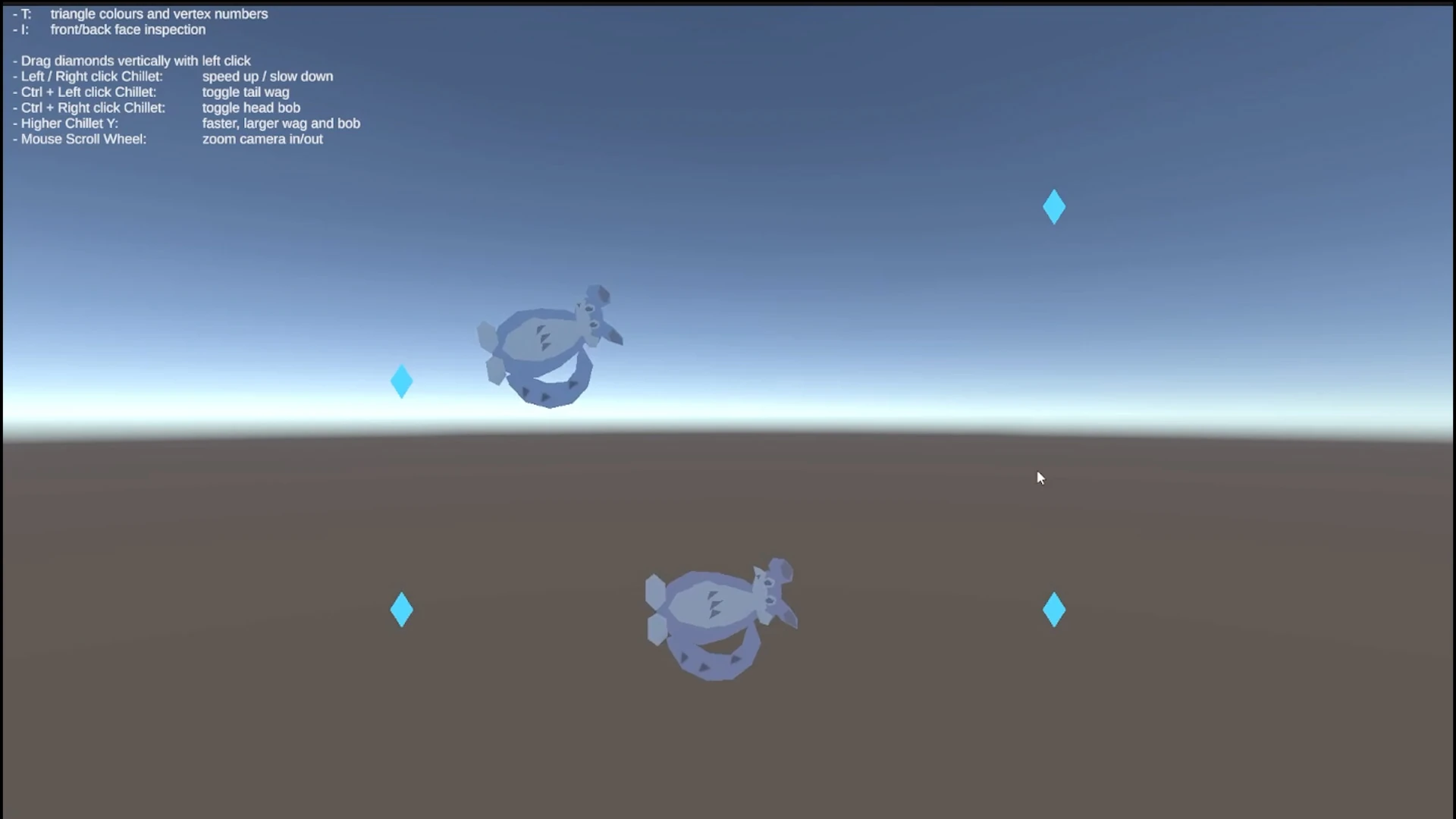
I made the scene interactive through movable boundaries and speed controls, with colour and scale changes showing each object's position along its path.
- 04
I added mesh inspection to check the geometry, along with independently controlled tail-wag and head-bob animations to give the character additional movement.
Project focus
The core areas.
Reflection
The subdivided-mesh trade-off.
Working with subdivided meshes was the hardest part of this project.
Although subdivision was not required by the brief, I chose a mesh setup that allowed overlapping vertices.
The extra effort in constructing the mesh made smoother animations much easier to create while keeping the character's colours clearly separated.
Supporting evidence
Custom maths made visible.
The first six captures show how I built and tested Chillet's movement, colour, animation, and interaction.
The selected workshop examples that follow cover the vector, matrix, and mesh exercises that supported this work.
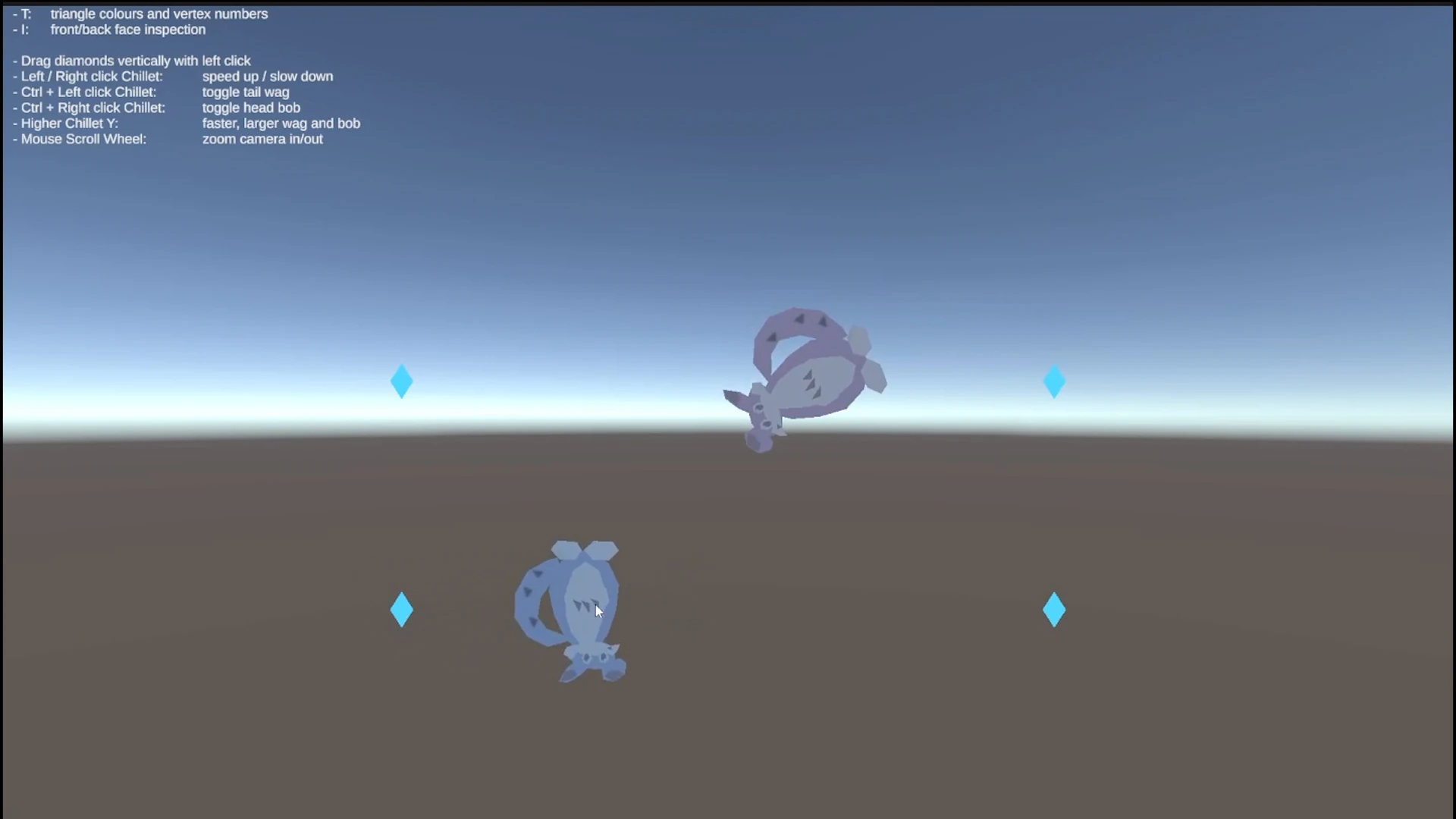
 Animation expresses excitement.
 Colour and scale follow progress.
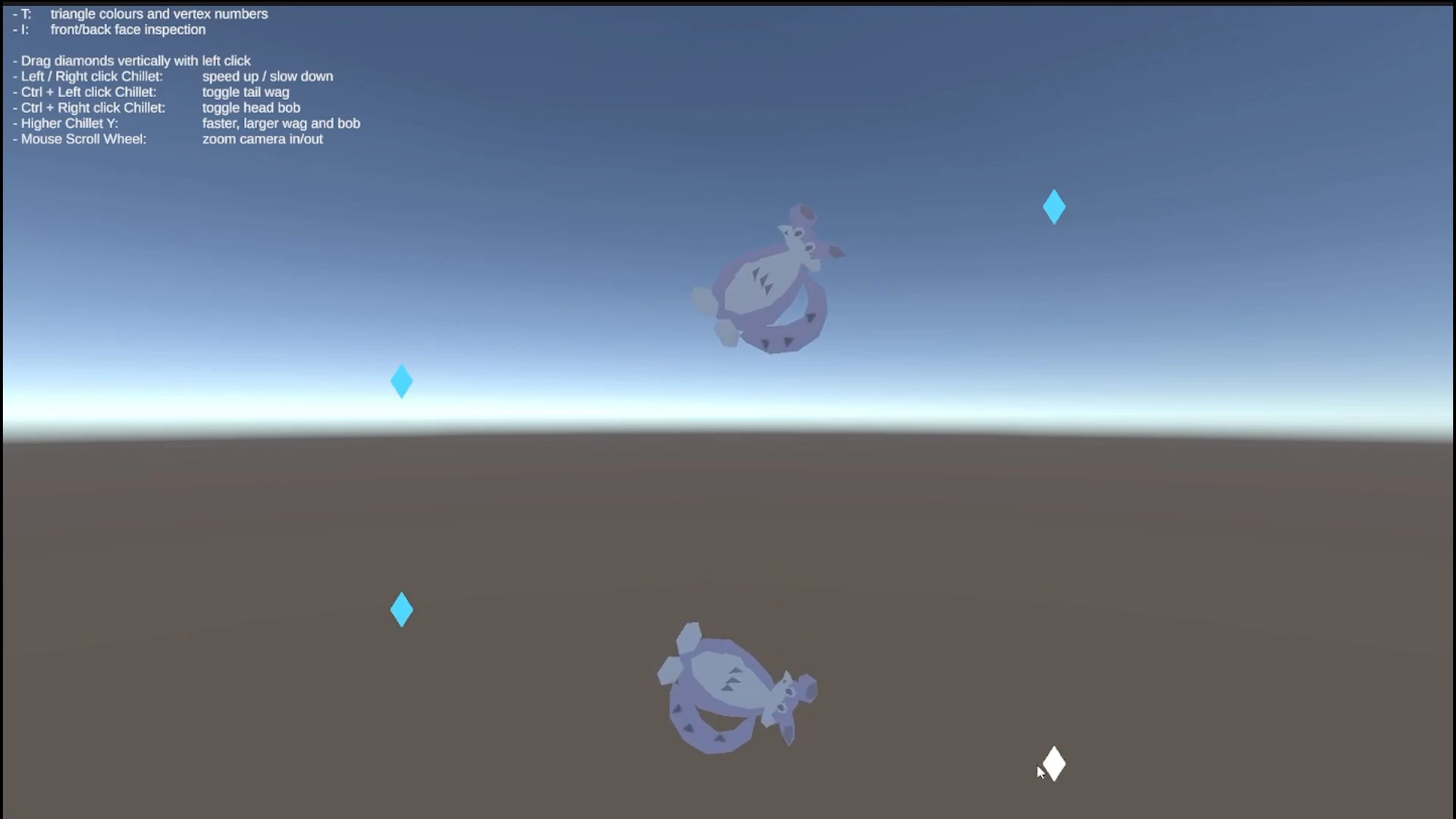 Changing the path directly.
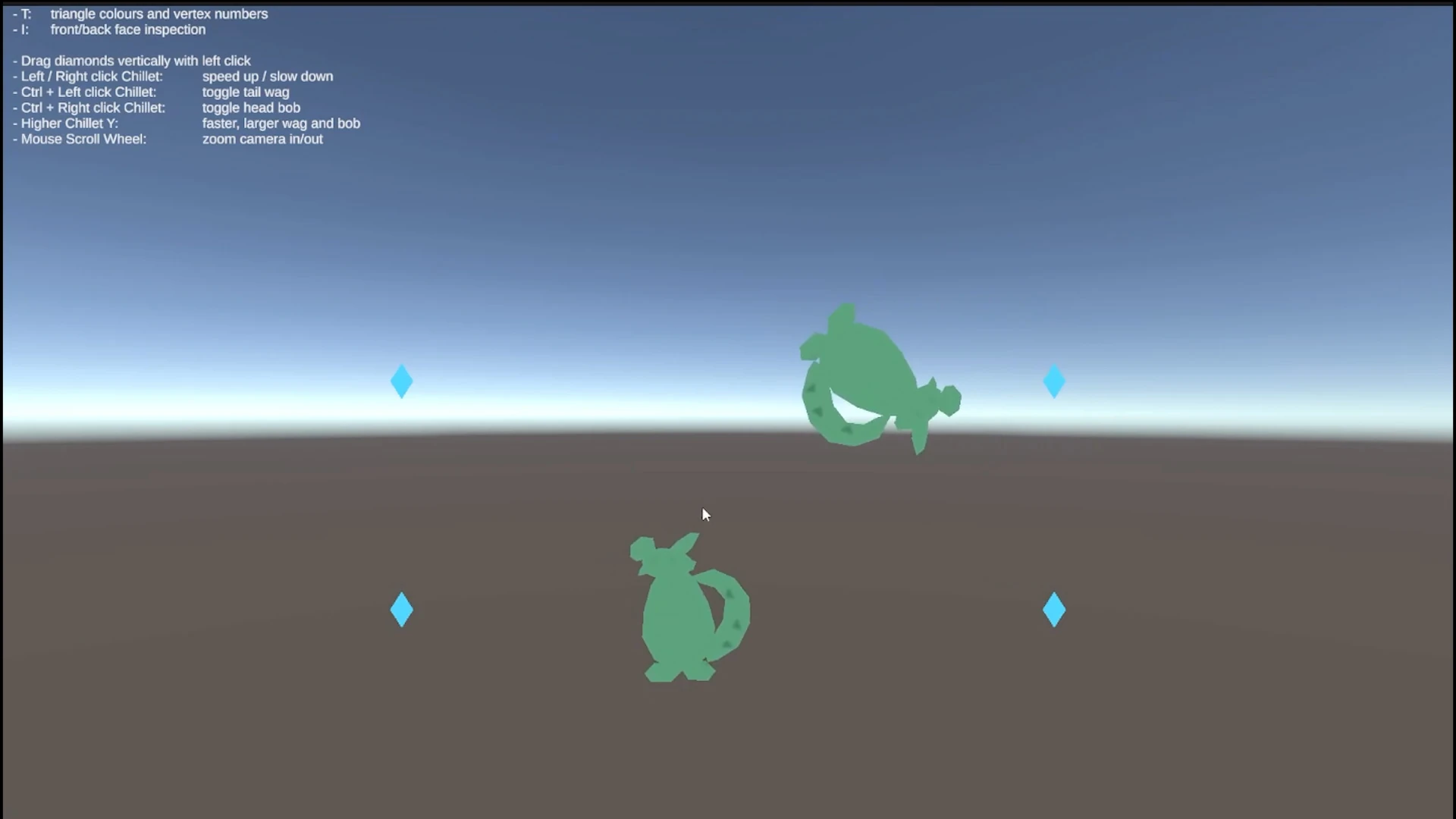 Checking face orientation.
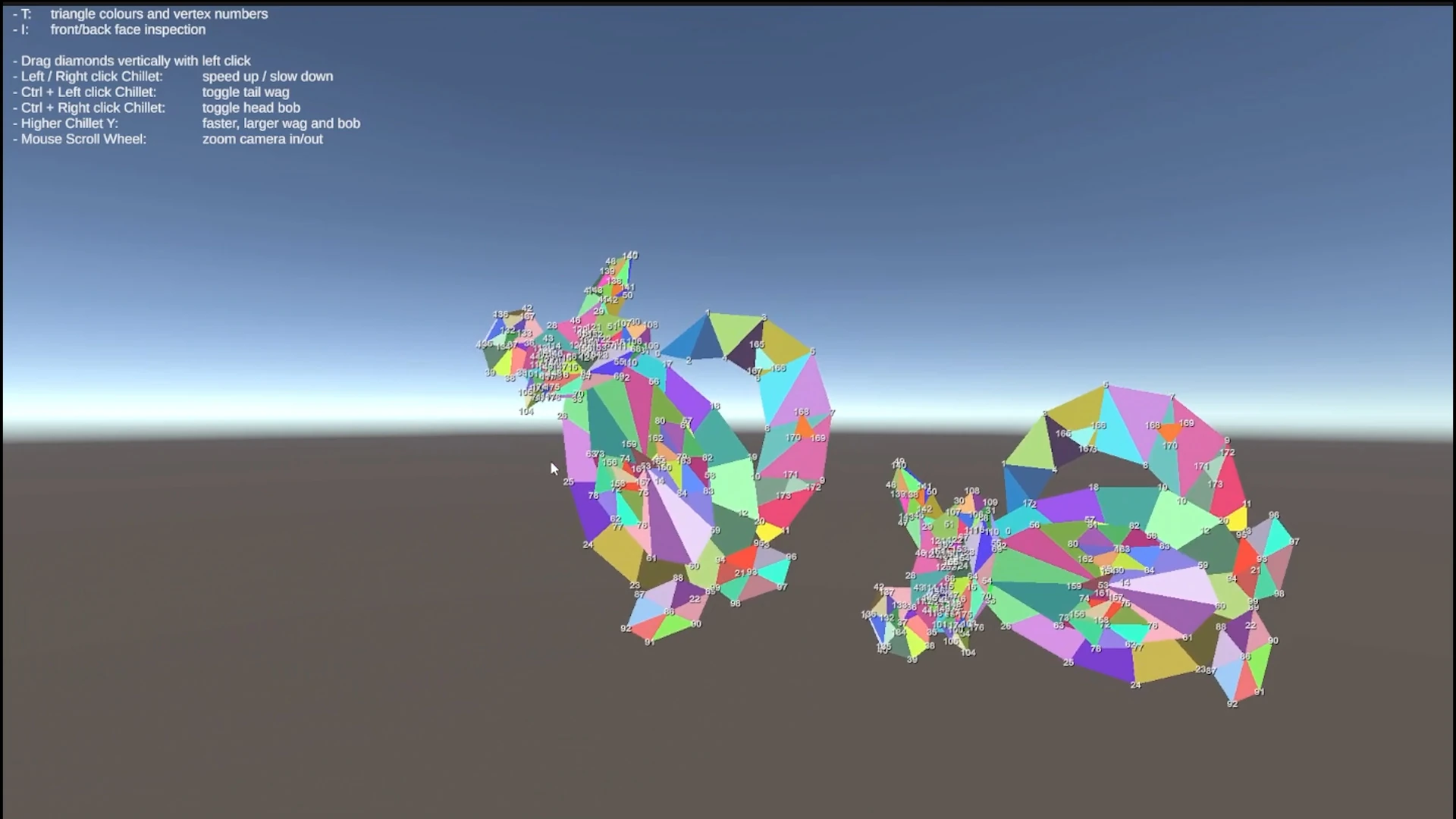 A debugging view for the mesh.
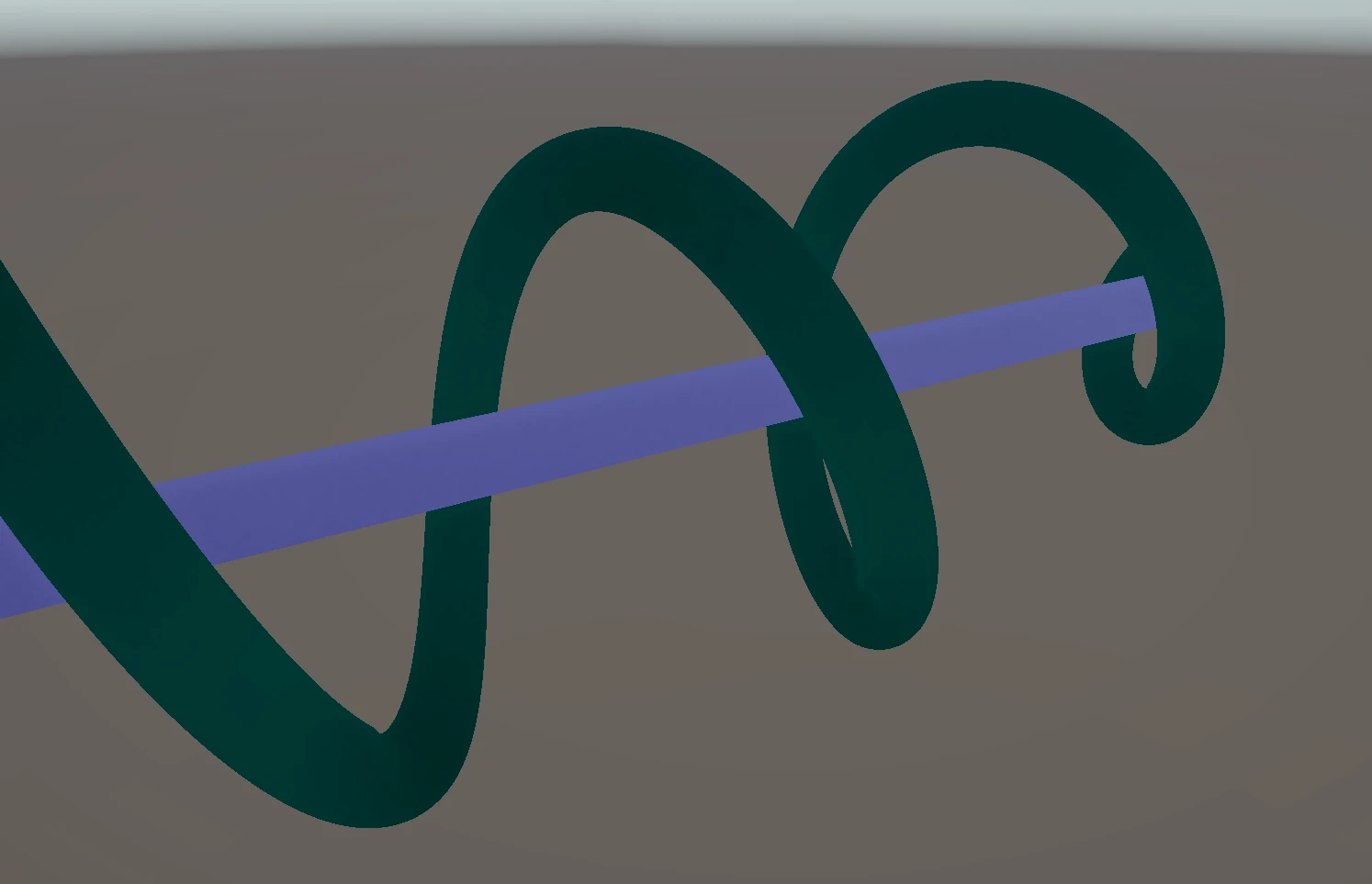 Workshop 2: Trigonometry in motion.
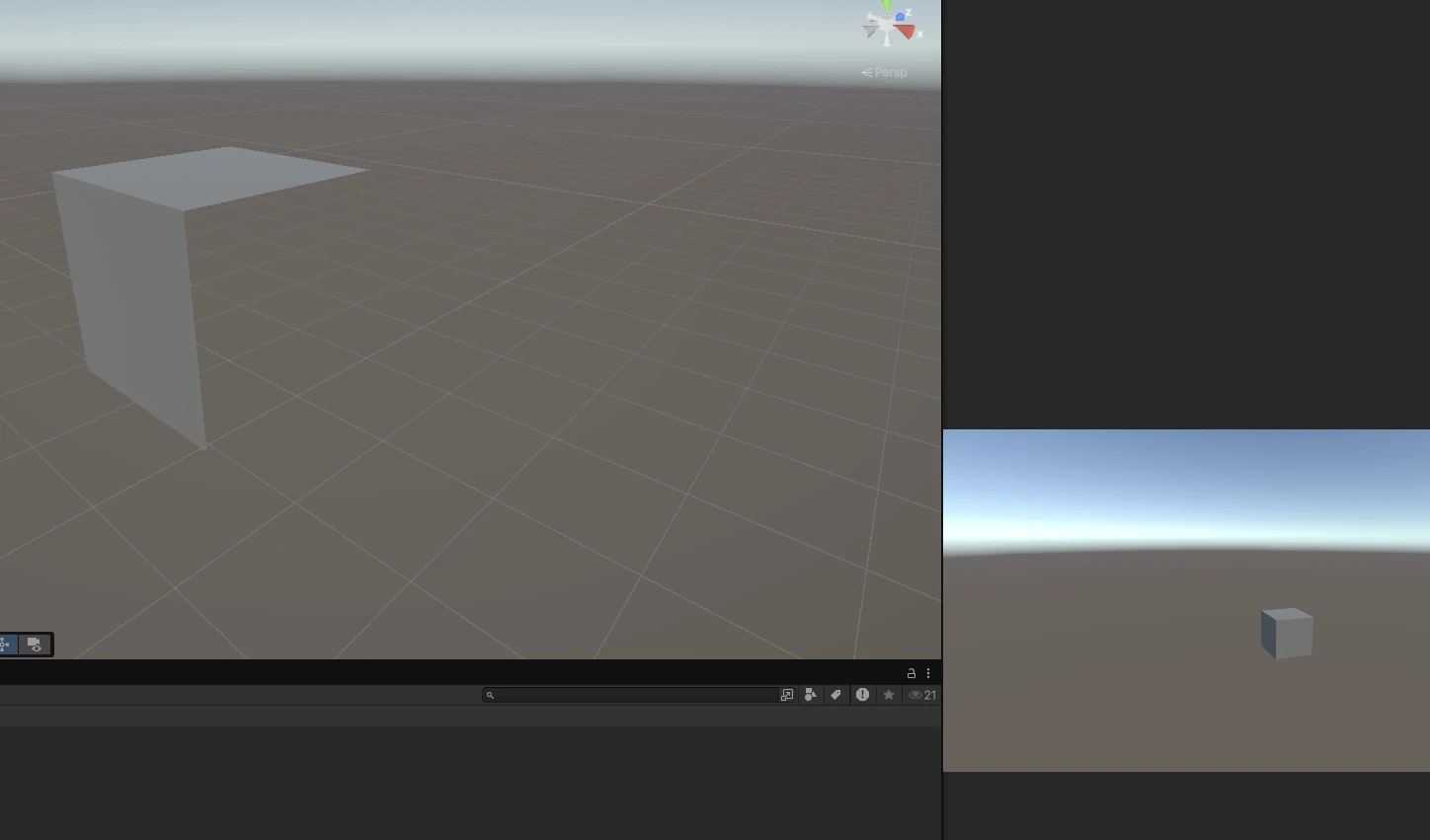 Workshop 3: Culling with vectors.
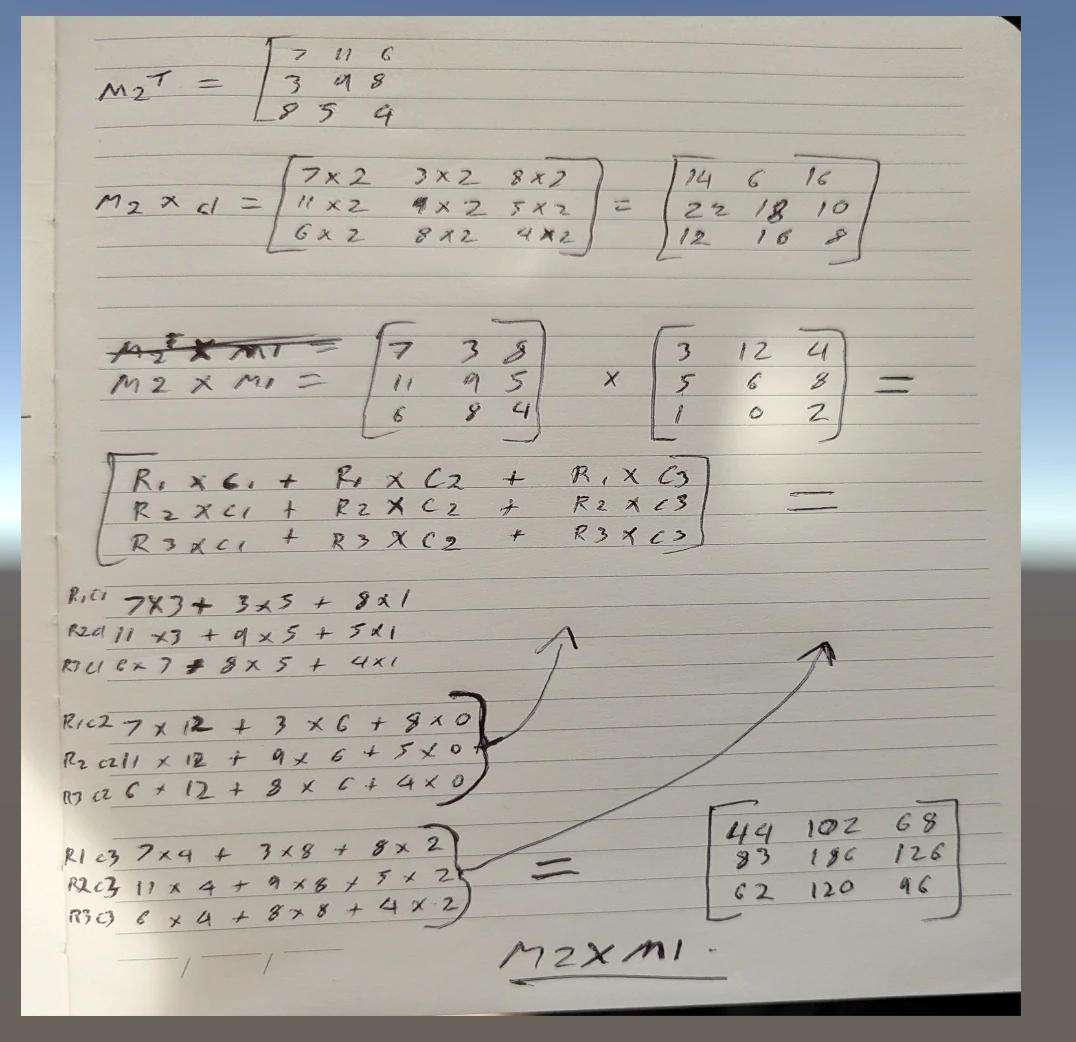 Workshop 4: Working through matrix operations.
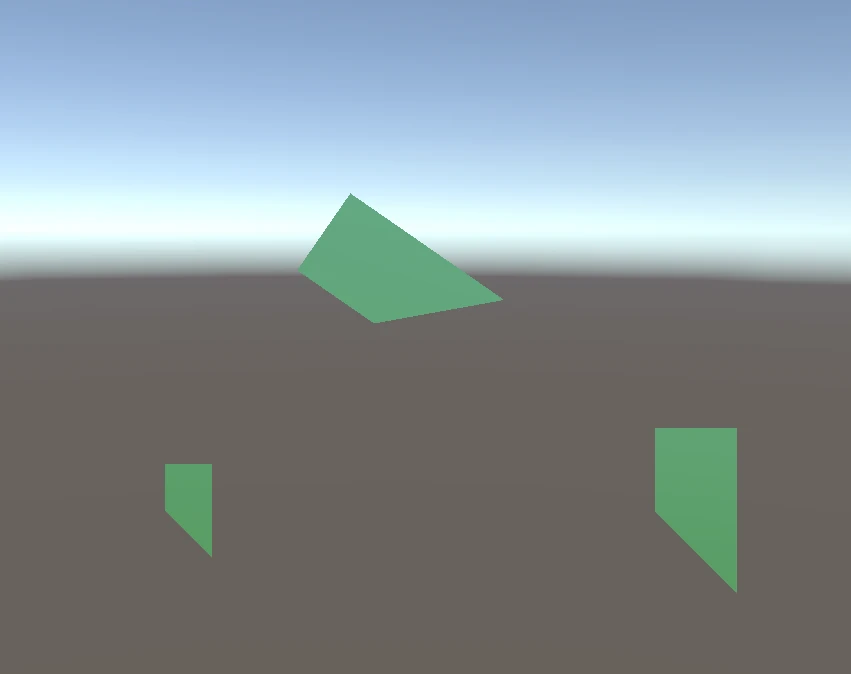 Workshop 5: Separating the transformations.
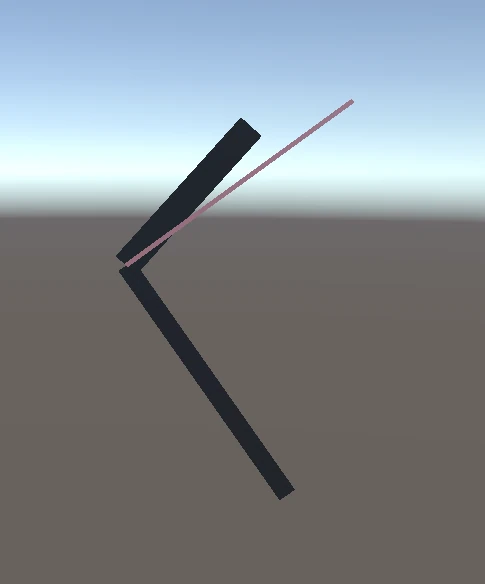 Workshop 5: Turning time into rotation.
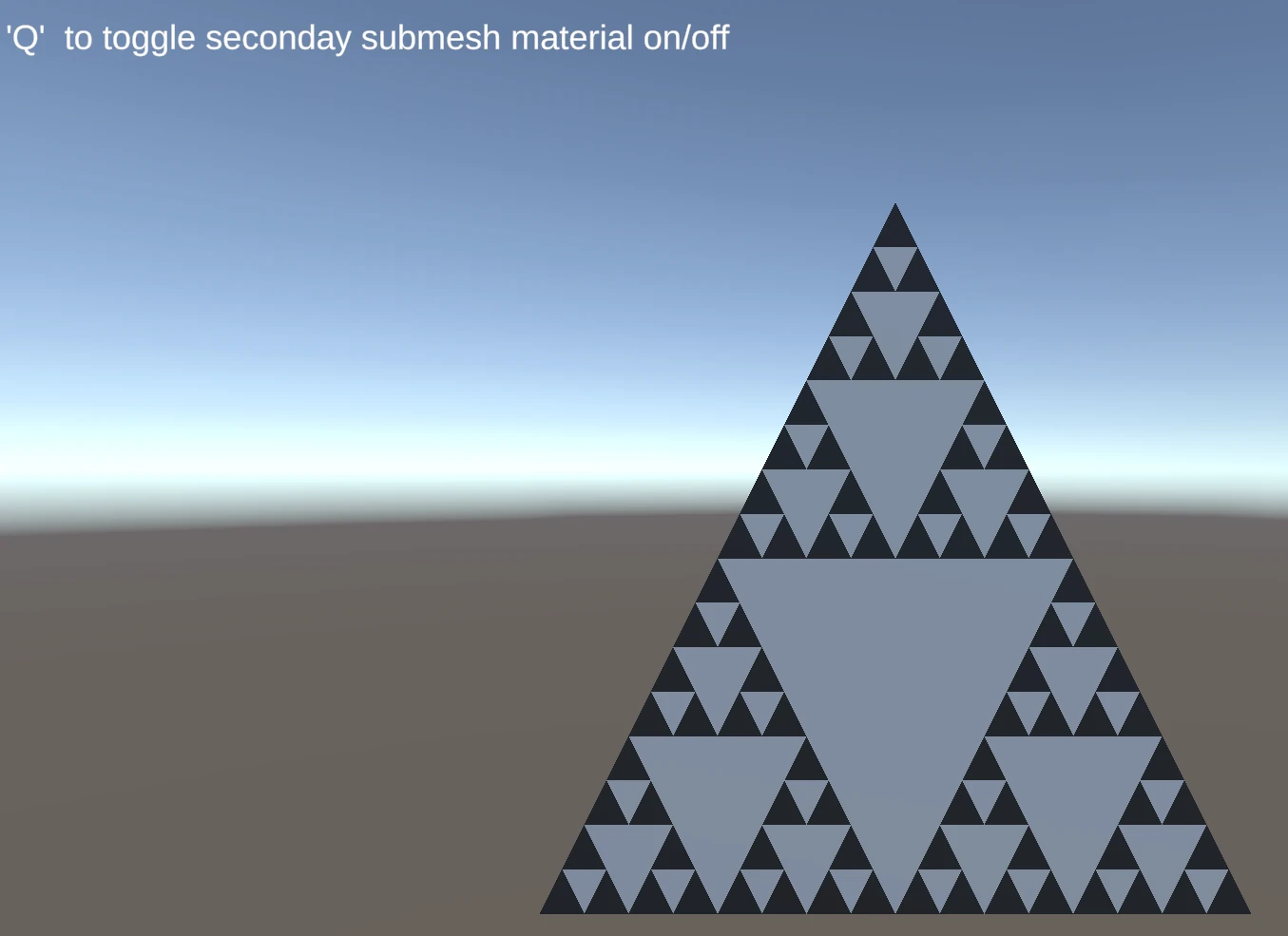 Workshop 5: Subdivision and submeshes.
Evidence 01 / 12
Custom maths in motion.
I built Chillet from 139 triangles and 177 stored vertices, using three submeshes for its main colour, light features, and dark details.
My custom vector and matrix classes scale, rotate, and translate the mesh vertices before passing them to Unity for display.
Interpolation moves each model between two endpoints, reversing at either end while its rotation continues.
Evidence 1 of 12: Custom maths in motion.